Learn Kling AI from the ground up: write directed prompts with the 5W1H formula, generate images and videos, control the camera and motion, build talking AI avatars, and bring it all together in Kling Canvas.
7+ hours
Beginner
English
Certificate
15 Modules
Text-to-Video + Image-to-Video
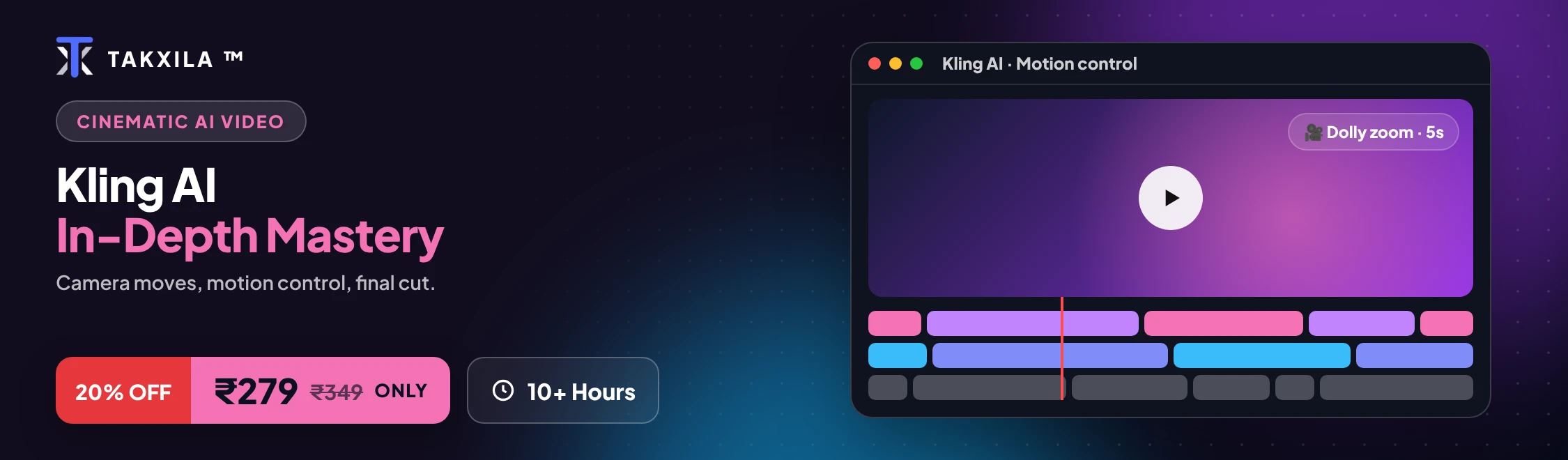
Camera & Motion Control
AI Avatars with Lip-Sync
What you'll learn
Understand what Kling AI is: one platform for images, video and AI avatars
Find your way around Kling's sidebar and top bar, and create your first image and video
Write directed prompts with Kling's 5W1H formula (who, what, where, when, why, how)
Turn rough ideas into professional prompts with DeepSeek, built into Kling, and use the Inspiration Word Bank
Generate images and variations for real professional uses
Edit images without starting over, apply style transfer, and keep a logo or brand element consistent
Create videos two ways, from text and from an image, and control duration and shot type
Direct shot types and camera movement like a filmmaker
Use Motion Control for precise camera paths, speed and movement copied from a reference video
Build a talking AI avatar from a photo and a script, with accurate lip-sync, in videos up to 5 minutes
Combine images and video clips in one project with Kling Canvas
Use AI video responsibly: consent, honest labelling and commercial use
Course content
16 sections · 67 lessons · 7h 25m total
Module 1: What Is Kling AI & When to Use It4 lessons · 25 min
What Kling AI is, in plain words7 min
One platform, three outputs: images, video and avatars6 min
When Kling is the right choice6 min
What you need before you start6 min
Module 2: Getting Started: Interface, First Image & Plans4 lessons · 30 min
The five sidebar items and five top-bar tools8 min
Generate your first image8 min
Turn that image into your first video7 min
How to check current pricing before choosing a plan7 min
Module 3: Prompting Fundamentals: The 5W1H Formula4 lessons · 30 min
Why a bare prompt leaves results to chance8 min
Build a prompt with 5W1H: who, what, where, when, why, how8 min
Rebuild a vague prompt into a fully directed one7 min
Combine several generated assets in one project6 min
Arrange images and video clips together6 min
When a project needs Canvas6 min
Module 12: Combining Features into Workflows4 lessons · 30 min
Decision guide: image first, or straight to video?8 min
Decision guide: standard direction or Motion Control?8 min
Decision guide: single asset or Canvas project?7 min
Chain several features into one project7 min
Module 13: Professional Use Cases6 lessons · 30 min
Student workflow5 min
Job seeker workflow5 min
Working professional workflow5 min
Business owner workflow5 min
Content creator workflow5 min
Freelancer or consultant workflow5 min
Module 14: Responsible Use & Safety4 lessons · 25 min
Kling's honest limitations7 min
Consent before building an avatar of a real person6 min
Avoiding misleading content, and labelling AI content6 min
Commercial-use considerations6 min
Module 15: Capstone: Produce a Campaign or Story7 lessons · 45 min
Phase 1: frame your project7 min
Phase 2: explore with images7 min
Phase 3: refine with editing or style transfer7 min
Phase 4: produce the video6 min
Phase 5: add Motion Control or an avatar6 min
Phase 6: organise everything in Canvas6 min
Phase 7: final check and responsible review6 min
Bonus: Kling AI Prompt Library1 lessons · 5 min
68 ready-to-use prompts, filterable by category and audience5 min
Requirements
No video, design or AI experience needed
A computer with a modern browser (Kling runs in the browser, no download needed)
A Kling AI account
Kling's pricing changes often. Check the current plans on klingai.com before choosing one
Who this course is for
Beginners who want to start creating AI video
Content creators making Reels, Shorts and social videos
Small business owners who want product videos and ads without a film crew
Marketers who need video content and AI presenters quickly
Students and job seekers who want creative portfolio projects
About this course
Still creating static AI images? Make them move.
Anyone can generate an AI image. Can you bring it to life? Kling AI lets you create images, turn them into cinematic video, direct the camera, and even build an AI presenter who speaks your script, all on one platform.
This course takes you from your first prompt to a finished multi-asset project.
What you'll learn:
• Prompt with direction: the 5W1H formula, with DeepSeek built in
• Create and refine images: generation, editing, style transfer
• Turn ideas into video: text-to-video and image-to-video
• Think like a director: shot types and camera movement
• Control motion precisely: camera paths, speed and reference movement
• Build AI avatars: photo + script + lip-synced speech
• Bring it together: Kling Canvas
• Create content that moves: social ads, product videos, Reels, brand content
Idea → Prompt → Image → Video → Camera → Motion → Avatar → Final project
Every module includes practice prompts you run in Kling straight away, plus a "Your turn" task. The course ends with a capstone where you produce your own campaign or story.
Don't stop at the frame. Bring it to life.
How it works
1
Enroll in the course for ₹239
2
Finish the lessons and projects at your pace
3
Get a certificate you can verify by its ID
Frequently asked
Why take this course?
Every lesson is practical and ends in something you can use. You learn with the real tools, step by step, and track your progress on your dashboard.
What is the benefit for me?
You finish with working projects, a certificate you can share, and skills you can use at work or in your own business straight away.
How long do I have to finish?
Learn at your own pace. Your progress, grades and streak are saved on your account.
Do I get a certificate?
Yes. Complete every lesson and a certificate with a unique ID appears under Certificates, ready to download.