OFFERLimited-time prices: 20% off every AI course, and the starter courses are free.Claim the offer

STILL DOING IT BY HAND? LET AI AGENTS DO THE WORK.

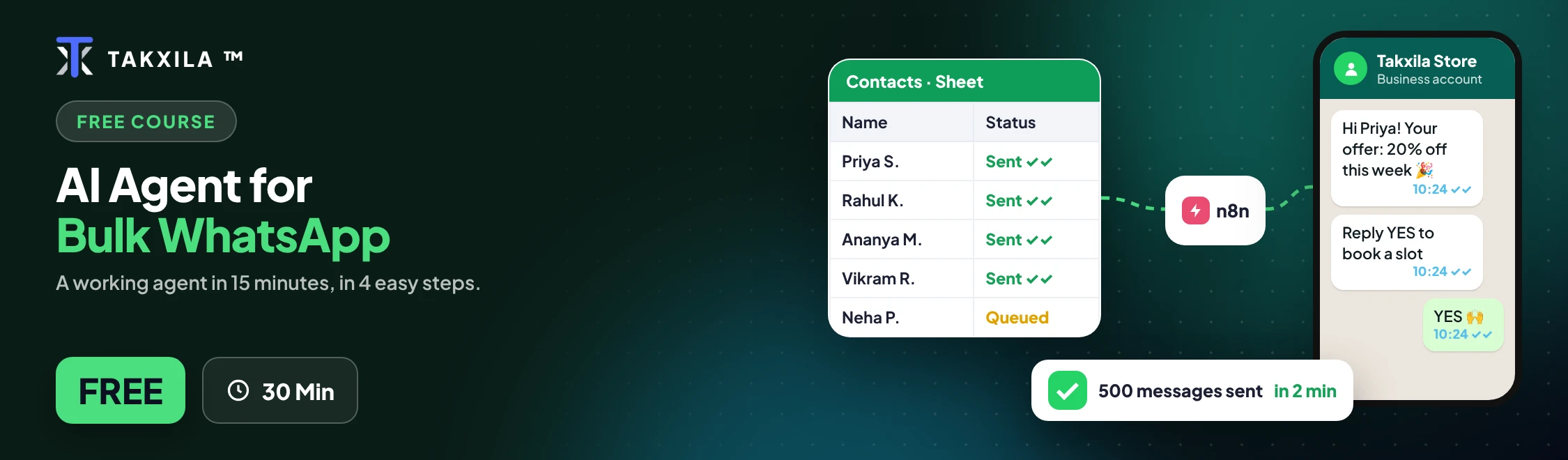
AI-Powered Whatsapp Bulk Messaging & Automation Mastery

Build a complete WhatsApp business system from zero on Meta's official WhatsApp Business Platform: consent-based contact lists, approved templates, bulk campaigns, a reply inbox, an AI assistant, payments, automated customer journeys and analytics. Choose a no-code path or a technical path.

  • 24+ hours
  • Beginner to Advanced
  • English
  • Certificate
  • 16 Modules
  • WhatsApp Business Automation
  • AI Assistants + Campaign Workflows
  • Templates, Webhooks, Journeys & Analytics

What you'll learn

  • Set up and verify a Meta Business Portfolio, WhatsApp Business Account and business number the right way
  • Send your first WhatsApp message through the official Cloud API, from n8n or from code
  • Build a consent-first contact list with clean numbers, customer segments and automatic opt-out
  • Write marketing and utility templates that get approved, with variables, images and buttons
  • Run bulk campaigns from Google Sheets through n8n, paced to Meta's limits and fully logged
  • Schedule campaigns with approval checks, safe retries, frequency caps and error alerts
  • Capture every customer reply and delivery status through webhooks into a working inbox
  • Create tap-to-reply menus and buttons so customers don't have to type
  • Build an AI assistant that answers only from your business information and hands over to a person when needed, following Meta's 2026 AI policy
  • Use AI to plan, write and design campaigns, and run fair A/B tests
  • Take orders and payments on WhatsApp with Razorpay payment links
  • Automate reminders, follow-ups, abandoned-cart messages and win-back campaigns
  • Measure results with a dashboard, then secure and scale the system for real business use

Course content

16 sections · 85 lessons · 24h 20m total

Module 1: The WhatsApp Business Landscape6 lessons · 1h 25m
  • WhatsApp vs WhatsApp Business App vs WhatsApp Business Platform13 min
  • Why unofficial "bulk sender" tools put your number at risk13 min
  • The four Meta places you'll work in13 min
  • How messages go out and replies come back13 min
  • 2026 pricing, messaging limits and the AI policy in plain language13 min
  • Hands-on: create your project blueprint20 min
Module 2: Business Portfolio, Verification & WhatsApp Business Account6 lessons · 1h 25m
  • What a Meta Business Portfolio is and why it comes first15 min
  • The name-matching rule for your documents (GST, Udyam and more)14 min
  • Business verification, including missing buttons and rejections14 min
  • Adding your team safely with two-factor security14 min
  • Display names and your business profile14 min
  • Planning your business phone number14 min
Module 3: Developer App, Test Number & Your First Message6 lessons · 1h 35m
  • Create a developer app with the WhatsApp use case16 min
  • Send your first message using Meta's free test number16 min
  • Every ID and token, and where to keep each one safely16 min
  • Create a permanent access token16 min
  • Send a message from n8n (no-code) or cURL (technical)16 min
  • Fix the most common errors15 min
Module 4: Consent-First Contact Lists6 lessons · 1h 25m
  • Meta's opt-in rules and India's data-protection context13 min
  • Collect opt-ins at the counter, by Google Form, click-to-chat link and QR code13 min
  • Clean and validate Indian mobile numbers13 min
  • Segments and tags that make campaigns relevant13 min
  • An easy, permanent STOP / opt-out process13 min
  • Hands-on: build a campaign-ready contact list20 min
Module 5: Message Templates That Get Approved6 lessons · 1h 30m
  • When you need a template14 min
  • Marketing, utility and authentication categories14 min
  • Header, body, footer and buttons within Meta's limits14 min
  • Variables and sample values14 min
  • Why templates get rejected and how to avoid it14 min
  • Hands-on: create utility and marketing templates, and send them from n8n20 min
Module 6: Bulk Campaign Pipeline I — From Sheet to WhatsApp6 lessons · 1h 40m
  • Messaging limits and sending speed explained17 min
  • Move from the test number to your real business number17 min
  • Plan campaigns and log every send in Google Sheets17 min
  • Build an n8n campaign sender with daily caps, batches and a dry-run switch17 min
  • The five-person rule: test before going live16 min
  • Read bulk errors: when to retry and when to fix16 min
Module 7: Bulk Campaign Pipeline II — Scheduling, Retries & Safety6 lessons · 1h 25m
  • Scheduled campaigns that run only when approved13 min
  • Frequency caps so no customer gets too many messages13 min
  • Safe retries for temporary errors13 min
  • Error alerts that notify a person13 min
  • Monitor quality ratings and limits, and know when to stop13 min
  • Hands-on: build a campaign budget calculator20 min
Module 8: Inbox & Webhooks — Hearing Every Reply5 lessons · 1h 40m
  • How webhooks work, explained simply18 min
  • Read message and delivery-status data18 min
  • Hands-on: log every reply to an inbox sheet28 min
  • Track delivered, read and failed messages18 min
  • Automate STOP handling and route questions to the right person18 min
Module 9: Interactive Messages & Menus4 lessons · 1h 20m
  • Reply buttons, list menus and location messages18 min
  • Writing within Meta's limits18 min
  • Hands-on: build a main menu and workshop-booking buttons26 min
  • Route each tap to the right response18 min
Module 10: The Business-Scoped AI Assistant5 lessons · 1h 40m
  • What Meta's 2026 policy allows for AI on WhatsApp18 min
  • Answer from your own FAQ and product sheets, not the AI's general knowledge18 min
  • Get a free Groq AI key and choose a model18 min
  • Hands-on: build the assistant in n8n with a hand-over to a person28 min
  • Test it with tricky questions before customers see it18 min
Module 11: AI Campaign Studio — Plan, Write, Design, Test5 lessons · 1h 30m
  • Where AI helps and where a person must decide18 min
  • Write campaign briefs and template versions for each segment with AI18 min
  • Create header images you have the right to use18 min
  • Run a fair A/B test and read the results18 min
  • What Meta's Marketing Messages API adds18 min
Module 12: WhatsApp Commerce & Payments5 lessons · 1h 40m
  • Design an order tracker with order IDs20 min
  • Build a tap-first order flow: product → quantity → area → confirm20 min
  • Create Razorpay payment links (test mode)20 min
  • Confirm payments safely20 min
  • Send receipts, and handle failed, expired and refunded payments20 min
Module 13: Automated Customer Journeys4 lessons · 1h 25m
  • Welcome, reminder, feedback, abandoned-cart and win-back journeys22 min
  • Exit rules that stop journeys when things change21 min
  • One daily n8n workflow that runs every journey21 min
  • A journey log so no one gets the same message twice21 min
Module 14: Analytics & Optimisation5 lessons · 1h 15m
  • The metrics that matter: delivered, read, reply, opt-out, orders, revenue, cost per order15 min
  • Build a campaign dashboard in Google Sheets15 min
  • Which orders came from which campaign15 min
  • WhatsApp Manager insights15 min
  • A 20-minute weekly review that ends in one tested change15 min
Module 15: Production, Security & Scaling5 lessons · 1h 25m
  • n8n Cloud or self-hosted?17 min
  • Keep secrets safe and rotate them17 min
  • Backups and an incident playbook17 min
  • Protect customer data and keep it only as long as needed17 min
  • When to move from Google Sheets to a database17 min
Module 16: Capstone, Industry Playbooks & Resources5 lessons · 2h
  • Capstone: one customer through every part of the system, from contact list to payment and follow-up32 min
  • Adapt the blueprint to other industries22 min
  • Offer WhatsApp automation as a paid service22 min
  • Final assessment22 min
  • Prompt library, glossary and official resources22 min

Requirements

  • No coding knowledge needed for the No-Code track
  • A computer with a modern browser, and a smartphone with WhatsApp
  • A Facebook account and a Google account
  • You can learn on Meta's free test number. Business documents (such as GST or Udyam registration) are needed only when you verify a real business
  • n8n: free Cloud trial or the free self-hosted version
  • Groq free API key for the AI assistant
  • Razorpay test mode for payments (no real money)
  • Meta charges for template messages sent to real customers. The course explains 2026 pricing so you can plan your budget

Who this course is for

  • Small business owners who want to send offers, reminders and order updates without risking their number
  • Marketers and social media managers who want to run compliant WhatsApp campaigns and measure results
  • Freelancers and agency owners who want a sellable WhatsApp automation service for local businesses
  • Students and career changers who want a portfolio project in APIs, automation and AI
  • Developers who want to work directly with the Cloud API, webhooks and production deployment

About this course

WhatsApp isn't just a messaging app. It can become your business automation channel.

Most businesses still forward offers by hand, answer the same questions all day and track orders in notebooks. Others try unofficial "bulk sender" tools and lose their number. This course shows you the safe, professional way to do it, using Meta's official WhatsApp Business Platform.

The whole course builds one system for one business. GreenNest Plant Studio is a plant nursery in Baner, Pune, run by Anaya Deshpande with her cousin Rohit. They answer 120–180 WhatsApp chats a day by hand, forward festival offers one by one, forget plant-care reminders and track orders in a notebook. Module by module, you automate all of it.

You'll build the system behind:

Customer Lists → Campaigns → Templates → Messages → Replies → AI → Journeys → Analytics

What you'll build:

• A consent-first contact list with automatic opt-out

• Approved message templates for offers, reminders and order updates

• A bulk campaign pipeline that respects Meta's limits and logs every message

• An inbox that captures every reply and delivery status

• Tap-to-reply menus and booking buttons

• An AI assistant that only talks about your business, and hands over to a person when needed

• Order and payment flows with Razorpay

• Automated reminders, follow-ups and win-back journeys

• A dashboard that shows what's working

Every lesson tells you exactly where to click, what to enter and what you should see, with a checklist and troubleshooting steps. Two tracks build the same system: No-Code with n8n and Google Sheets, or Technical with the API and code.

Free-first tools: WhatsApp Cloud API • n8n • Google Sheets • Groq • ChatGPT, Claude or Gemini • Razorpay

By the end, you'll have a complete, working WhatsApp business system that you can use for your own business or offer as a service to clients.

How it works

  1. 1

    Enroll in the course for ₹399

  2. 2

    Finish the lessons and projects at your pace

  3. 3

    Get a certificate you can verify by its ID

Frequently asked

Why take this course?

Every lesson is practical and ends in something you can use. You learn with the real tools, step by step, and track your progress on your dashboard.

What is the benefit for me?

You finish with working projects, a certificate you can share, and skills you can use at work or in your own business straight away.

How long do I have to finish?

Learn at your own pace. Your progress, grades and streak are saved on your account.

Do I get a certificate?

Yes. Complete every lesson and a certificate with a unique ID appears under Certificates, ready to download.

Keep going

More in AI Agents & Agentic AI

₹399₹49920% offEnroll now